 Secret Codes guide
Android Secret Codes on iPhone: *#*#4636#*#*, *#0*# and What to Use Instead
By Muhammad Shahid Khan · · 5 min read
Quick answer
Android codes such as *#*#4636#*#* and *#0*# open menus built into Android or Samsung software. iOS has no hidden engineering menus, so they do nothing on an iPhone. The iPhone equivalents are in Settings (battery health, model, Wi-Fi address), in Field Test mode (*3001#12345#*) for signal, and in diagnostic apps or Apple Support for hardware tests.
Secret CodesDial codes, SIM & network test · Free on the App StoreDownload free →| *#*#4636#*#* on iPhone | Does nothing (Android testing menu) |
|---|---|
| *#0*# on iPhone | Does nothing (Samsung hardware test) |
| iPhone signal test | *3001#12345#* (Field Test) |
| iPhone battery health | Settings > Battery > Battery Health |
| iPhone hardware test | Diagnostic app, or Apple Support diagnostics |
| Codes that work on both | GSM codes such as *#06#, *#21#, *#43# |
If you have switched from Android, you may know a handful of codes that open hidden menus: phone info, battery stats, a screen test. Dial them on an iPhone and nothing happens. That is not because Apple has hidden them better. iOS simply does not have those menus. Here is what each popular Android code does and where to find the same information on an iPhone.
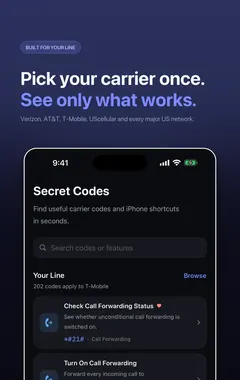
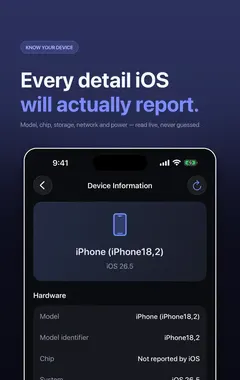
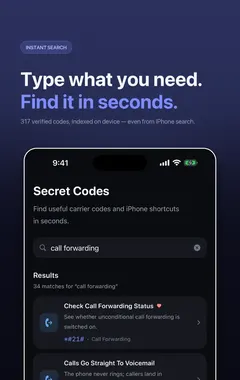
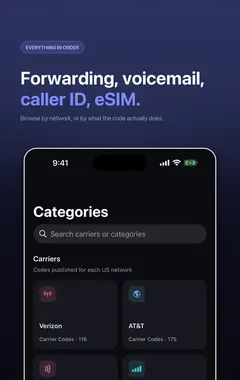
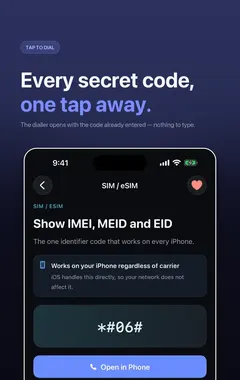
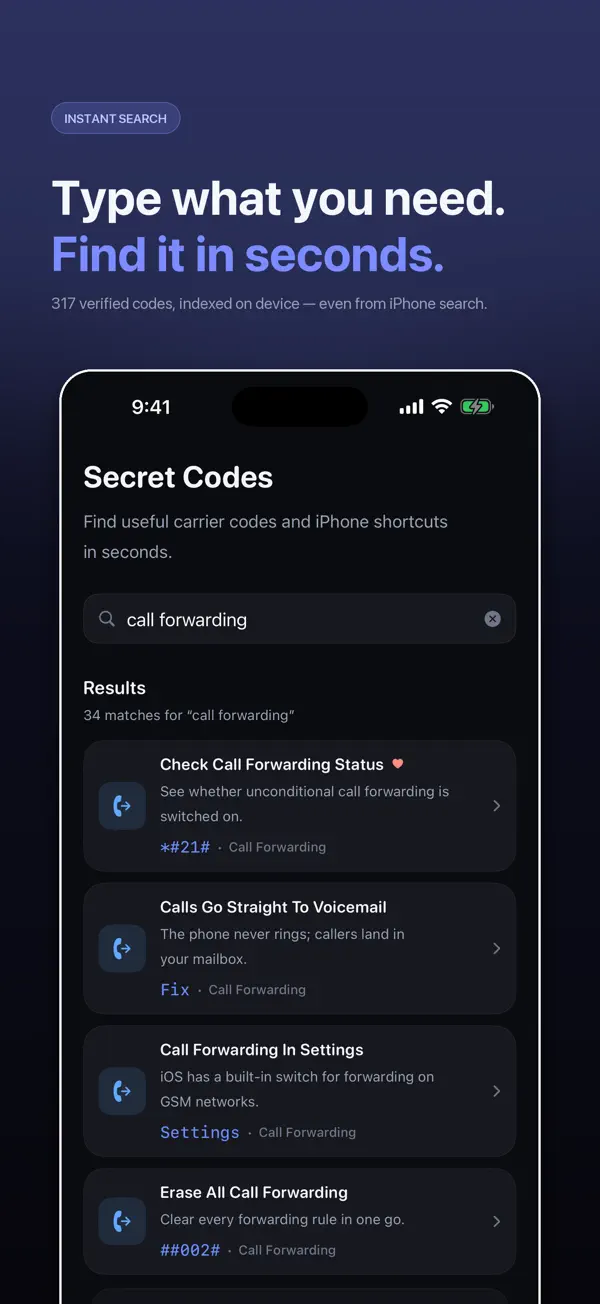
I build Secret Codes: IMEI & Carrier, a free iPhone app with 317 verified dial codes, and the screenshots in this guide come from it. If you would rather tap than memorise codes, get Secret Codes on the App Store.
Why don't Android codes work on iPhone?
There are three kinds of phone codes, and only two of them are portable:
- GSM standard codes such as
*#06#(IMEI) and the call forwarding family. They are defined by 3GPP and handled by the phone or network the same way everywhere. These work on iPhone. - Carrier codes, such as balance checks, handled by your network. These work on iPhone if your carrier supports them.
- Manufacturer codes such as
*#*#4636#*#*or*#0*#. These open menus built into Android or Samsung's software. iOS has no such menus, so none of them work on iPhone.
The single Apple code in the last group is *3001#12345#*, which opens Field Test.
Android codes and their iPhone equivalents
| Android code | What it does on Android | iPhone equivalent |
|---|---|---|
*#*#4636#*#* | Testing menu: phone info, signal, usage | Field Test (*3001#12345#*) for signal; Settings > General > About for phone info |
*#0*# | Samsung hardware test: screen, touch, speaker, sensors | A diagnostic app such as Secret Codes, or Apple Support diagnostics |
*#0228# | Samsung battery status | Settings > Battery > Battery Health |
*#1234# | Samsung firmware version | Settings > General > About > iOS Version |
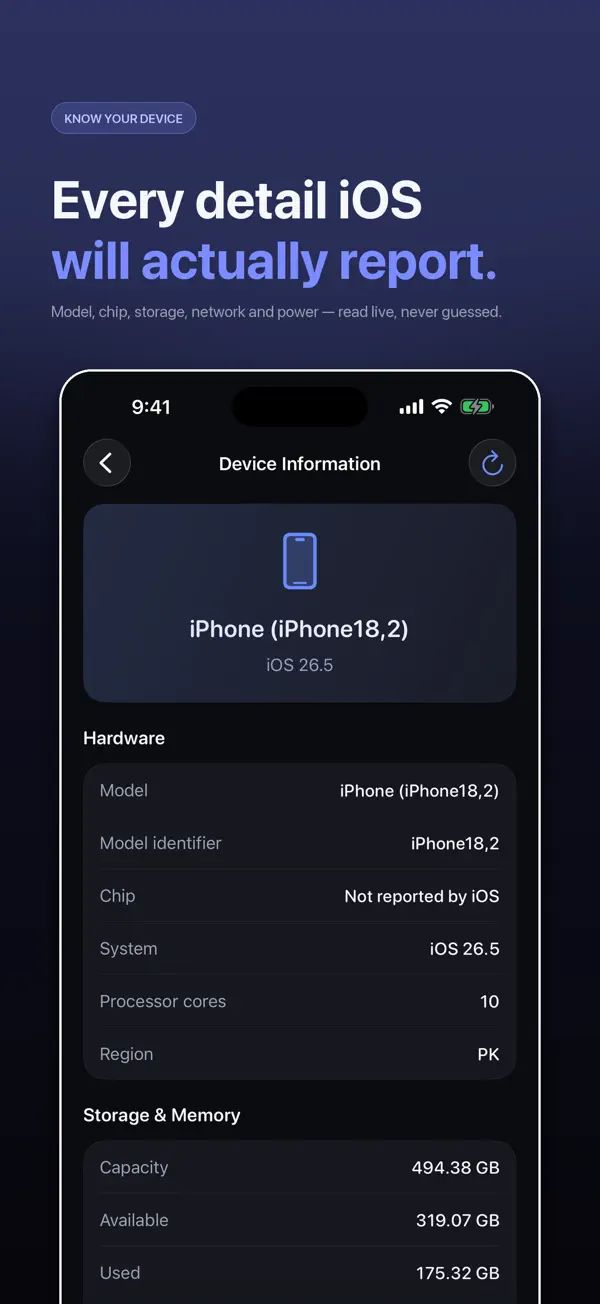
*#*#232338#*#* | Wi-Fi MAC address | Settings > General > About > Wi-Fi Address |
*#*#2664#*#* | Touch screen test | The touch test in a diagnostic app |
*#7353# | Samsung quick test menu | A diagnostic app, or Apple Support diagnostics |
*#*#7780#*#* | Factory reset on some Android phones | Settings > General > Transfer or Reset iPhone (only if you mean it) |
Codes that work on both Android and iPhone include *#06# for IMEI (see how to check your IMEI), *#21# for call forwarding status and *#43# for call waiting.
How do I test iPhone hardware without a code?
- Battery: Settings > Battery > Battery Health shows maximum capacity and whether the battery needs service.
- Parts history: on recent iPhones, Settings > General > About shows Parts and Service History if a part has been replaced.
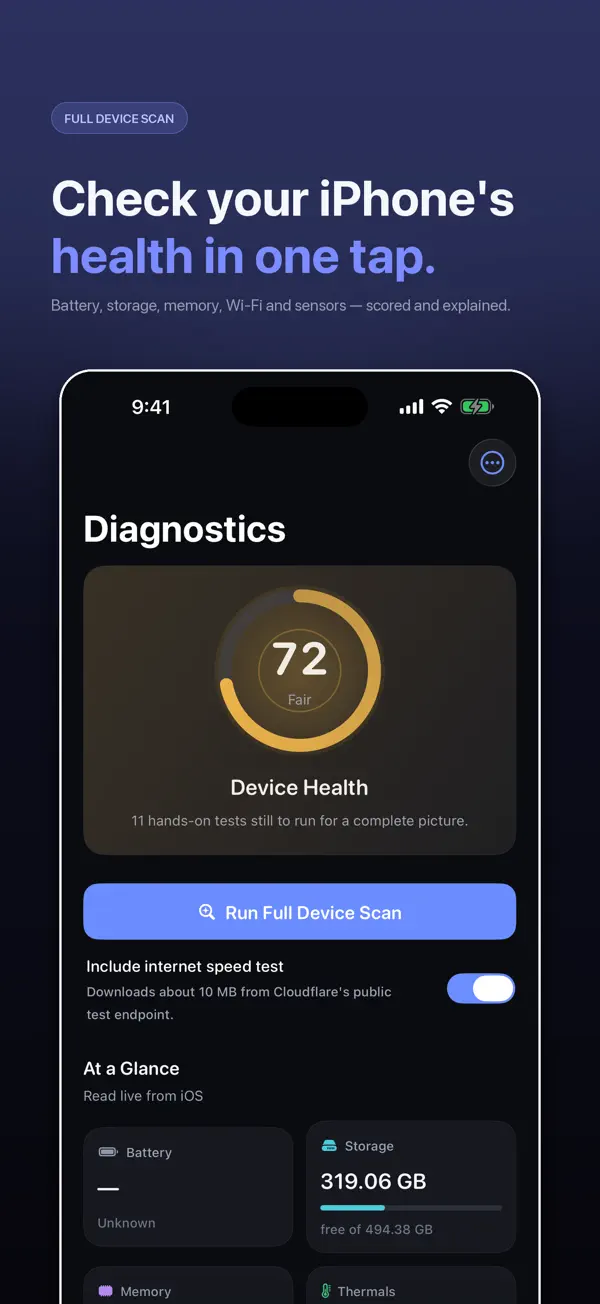
- Full hardware check: a diagnostic app can test the display, touch, speakers, microphone, cameras, sensors and Face ID in a few minutes.
- Apple diagnostics: Apple Support can run official diagnostics on your iPhone when you contact them or visit a store.
Is it safe to try Android codes on an iPhone?
Usually nothing happens, and most of them are simply rejected. The risk is with codes someone sends you. A code that starts with **21*, **61* or *72 followed by a number is not a test code: it forwards your calls. If a message tells you to dial a "secret code" to fix your phone or claim a prize, do not. Read what *#21# and **21* mean to recognise the scam.
Which iPhone codes do work?
The short list is *#06# (IMEI), *3001#12345#* (Field Test), the call forwarding, call waiting and caller ID codes, and your carrier's own codes. I keep the full verified list in iPhone secret codes that actually work, and explain Field Test readings in iPhone Field Test mode.
How Secret Codes helps
- 317 verified iPhone codes, each checked against a carrier, Apple or the 3GPP standard. Android-only and retired codes are left out.
- Plain-English explanations of what every code does before you dial it.
- Open in Phone puts the code in Apple's dialler. Nothing is ever dialled for you.
- Built around your carrier: each code says whether your network publishes it.
- A full diagnostic suite for battery, storage, Wi-Fi, cellular, display, touch, cameras, sensors and Face ID.
- IMEI in one tap with Siri, Spotlight, Shortcuts and a Home Screen quick action.
- Free, with nothing locked: no paid tier and no subscription.
Download Secret Codes free on the App Store and keep every working iPhone code in your pocket.
Frequently asked questions
Does *#*#4636#*#* work on iPhone?
No. It opens a testing menu built into Android. iOS has no hidden engineering menus, so nothing happens.
What is the iPhone equivalent of *#*#4636#*#*?
Field Test mode (*3001#12345#*) for signal information, and Settings > General > About for phone details.
Does *#0*# work on iPhone?
No. It is a Samsung hardware test. On iPhone, use a diagnostic app or Apple Support diagnostics.
How do I check battery health on iPhone without a code?
Go to Settings > Battery > Battery Health. iPhone has no battery dial code.
Is there a hidden menu on iPhone?
Not like Android. The only built-in screen opened by a dial code is Field Test (*3001#12345#*).
Which codes work on both Android and iPhone?
GSM standard codes, such as *#06# for IMEI, *#21# for call forwarding status and *#43# for call waiting.
How do I test my iPhone screen and touch?
Use a diagnostic app that includes display and touch tests, or ask Apple Support to run diagnostics.
How do I find my iPhone Wi-Fi MAC address?
Settings > General > About > Wi-Fi Address. Note that iPhones use a private address per network by default.
Can Android codes damage an iPhone?
No, they are ignored. Be careful only with codes someone sends you, such as forwarding codes that start with **21*.
How do I check if a used iPhone has replaced parts?
On recent iPhones, Settings > General > About shows Parts and Service History when parts have been replaced.
Does Secret Codes have hardware tests?
Yes. Its diagnostic suite tests battery, storage, Wi-Fi, cellular, display, touch, cameras, sensors and Face ID.
Secret CodesDownload free