 Secret Codes guide
How to Check Your IMEI on iPhone (5 Ways, Even Without the Phone)
By Muhammad Shahid Khan · · 4 min read
Quick answer
The fastest way is to dial *#06# in the Phone app. You can also go to Settings > General > About and scroll to IMEI. Without the phone, check the original box or sign in to your Apple Account on the web and look at your device list. On some models it is also on the SIM tray.
Secret CodesDial codes, SIM & network test · Free on the App StoreDownload free →Your IMEI is your phone's unique hardware ID. You need it to report a lost or stolen phone, request a carrier unlock, check a second-hand phone or make an insurance claim. Here is how to find it, even if you no longer have the phone.
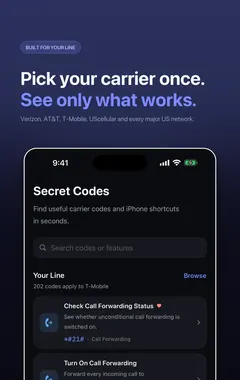
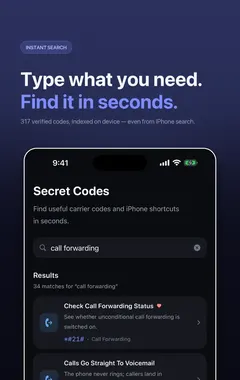
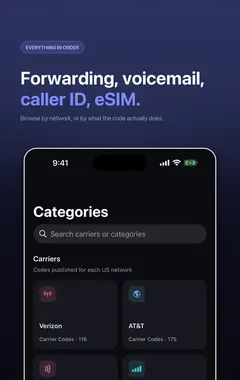
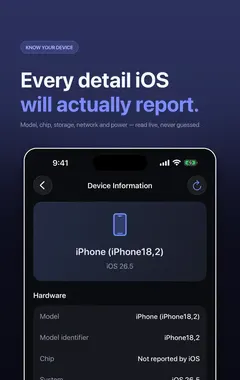
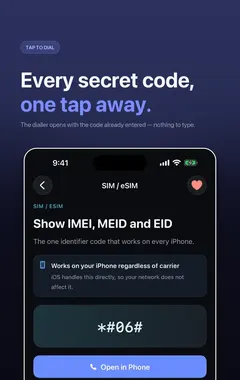
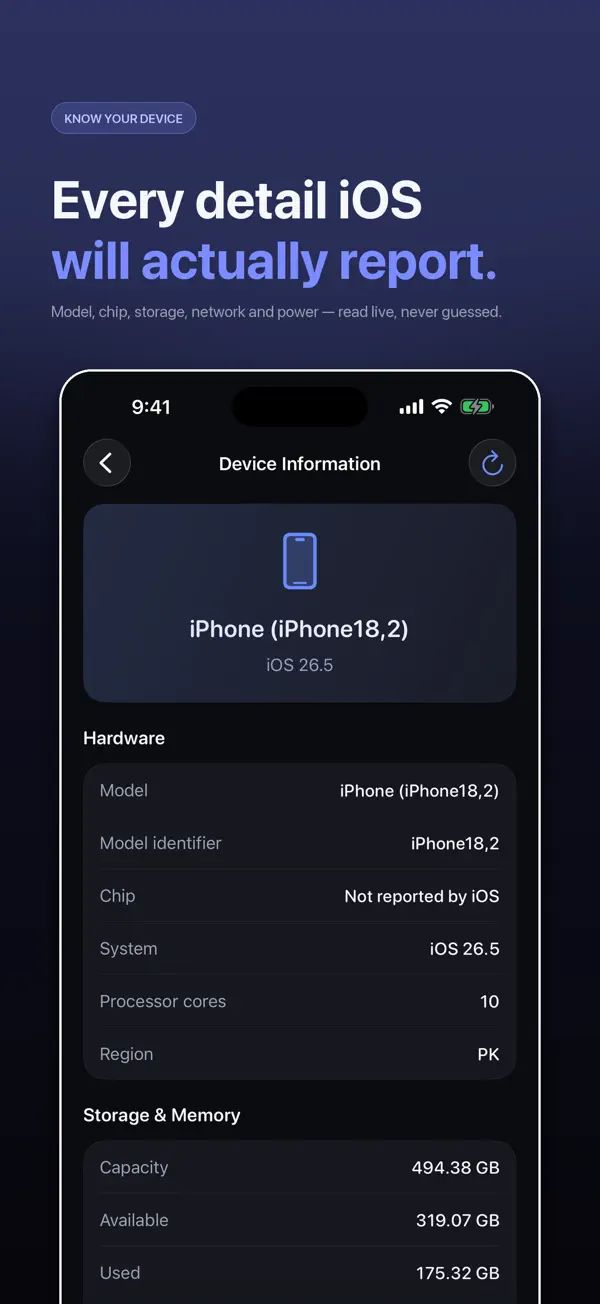
I build Secret Codes: IMEI & Carrier, a free iPhone app with 317 verified dial codes, and the screenshots in this guide come from it. If you would rather tap than memorise codes, get Secret Codes on the App Store.
What is an IMEI?
IMEI stands for International Mobile Equipment Identity. It is a 15-digit number that identifies your device on mobile networks. It belongs to the phone, not the SIM, so it stays the same if you change SIM or carrier. iPhones with eSIM also have an EID, which identifies the eSIM chip. Dual-SIM iPhones show two IMEIs.
Method 1: dial *#06#
Open the Phone app, go to the Keypad and type *#06#. Your IMEI (and EID, if you have one) appears straight away, without pressing Call. This works on any mobile phone, because it is a GSM standard code.
Method 2: Settings
Go to Settings > General > About and scroll down to IMEI. Touch and hold the number to copy it. This is the easiest way to paste it into a form.
Method 3: the SIM tray
On some iPhone models, the IMEI is printed on the SIM tray. Note that iPhone 14 and later models sold in the US have no SIM tray, because they use eSIM only.
Method 4: the original box
The IMEI is printed on the barcode label of the original iPhone box. It is worth keeping the box, or a photo of the label, for exactly this reason.
Method 5: your Apple Account
If the phone is lost or stolen, sign in to your Apple Account on the web, open your list of devices and select the iPhone. Its serial number and IMEI are shown there. You can also see it on another Apple device signed in to the same account, in the device list in Settings.
What is the IMEI used for?
- Reporting a lost or stolen phone to your carrier and the police.
- Requesting a carrier unlock. See how to check if your iPhone is unlocked.
- Checking a second-hand phone is not reported lost or stolen before you buy it.
- Insurance and warranty claims.
Keep it private. Do not post your IMEI publicly, for example in a photo of your phone's settings. It is not a password, but it is used to identify your device.
More guides you may find useful:
- Android Secret Codes on iPhone: *#*#4636#*#*, *#0*# and What to Use Instead
- iPhone Field Test Mode (*3001#12345#*): How to Check Your Real Signal Strength
- *#21#, ##21# and **21*: What These Call Forwarding Codes Mean on iPhone
How Secret Codes helps
- 317 verified iPhone codes, each checked against a carrier, Apple or the 3GPP standard. Android-only and retired codes are left out.
- Plain-English explanations of what every code does before you dial it.
- Open in Phone puts the code in Apple's dialler. Nothing is ever dialled for you.
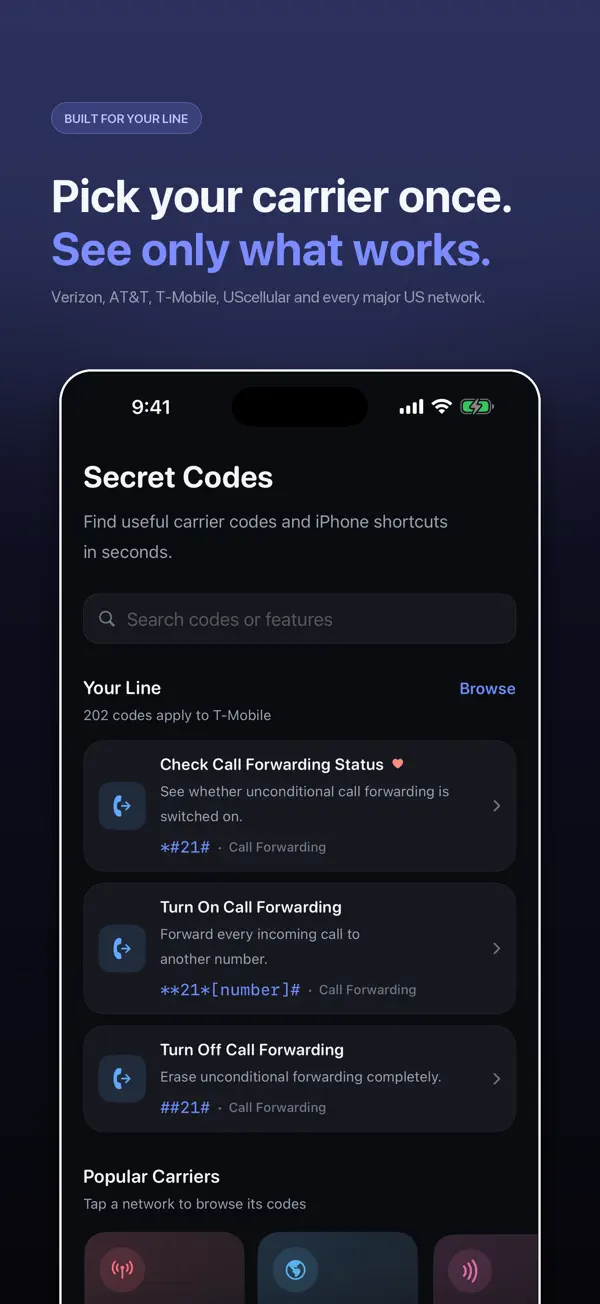
- Built around your carrier: each code says whether your network publishes it.
- A full diagnostic suite for battery, storage, Wi-Fi, cellular, display, touch, cameras, sensors and Face ID.
- IMEI in one tap with Siri, Spotlight, Shortcuts and a Home Screen quick action.
- Free, with nothing locked: no paid tier and no subscription.
Download Secret Codes free on the App Store and keep every working iPhone code in your pocket.
How to check your IMEI on iPhone: step by step
- Open the Phone app. Go to the Keypad.
- Dial *#06#. Type *#06#. Your IMEI appears on screen immediately.
- Or use Settings. Go to Settings > General > About and scroll down to IMEI.
- Copy it. In Settings, touch and hold the IMEI to copy it.
- If the phone is lost. Check the original box, or sign in to your Apple Account on the web and open your device list.
Frequently asked questions
How do I check my IMEI on iPhone?
Dial *#06# in the Phone app, or go to Settings > General > About and scroll down to IMEI.
What is *#06#?
A standard GSM code that shows your phone’s IMEI on any mobile phone, including iPhone.
How can I find my IMEI if my iPhone is lost?
Check the original box, or sign in to your Apple Account on the web and open your device list.
How many digits is an IMEI?
15 digits.
Why does my iPhone have two IMEI numbers?
Dual-SIM iPhones have one IMEI for each line.
What is an EID?
An identifier for the eSIM chip in your iPhone. It appears alongside the IMEI when you dial *#06#.
Does the IMEI change if I change SIM?
No. The IMEI belongs to the phone, not the SIM.
Is the IMEI on the SIM tray?
On some models. US iPhone 14 and later models have no SIM tray.
Is it safe to share my IMEI?
Only share it with your carrier, insurer, Apple or the police when needed. Do not post it publicly.
Can I copy my IMEI from Settings?
Yes. Touch and hold the IMEI in Settings > General > About to copy it.
Can Secret Codes show my IMEI with Siri?
Yes. Secret Codes supports Siri and Shortcuts to show your IMEI, plus a Home Screen quick action.
Secret CodesDownload free