 Magnetic Blocks guide
Build Mode Ideas: 15 Things to Make in Magnetic Blocks
By Muhammad Shahid Khan · · 4 min read
Quick answer
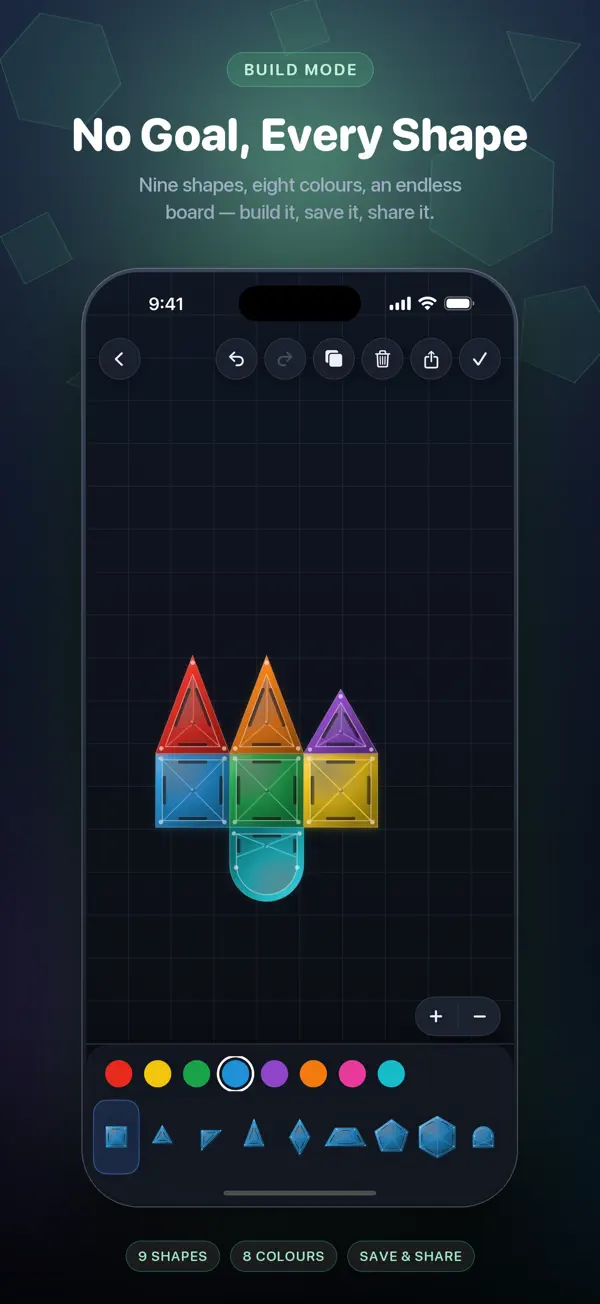
Build Mode in Magnetic Blocks is an open board with nine shapes and eight colours, no goal and no timer. Good things to make include animals (cat, fox, fish, bird), letters and names, houses and boats, symmetrical mandalas, pixel-art faces and colour-gradient mosaics. You can save and share every build.
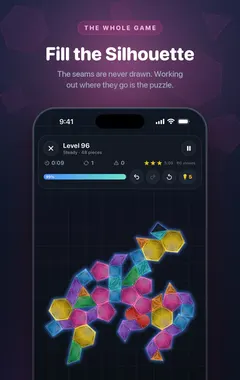
Magnetic BlocksTangram Shape Fit Puzzle Game · Free on the App StoreDownload free →Puzzles give you a silhouette to fill. Build Mode gives you a blank board and lets you decide. It is the most relaxing part of Magnetic Blocks, and also the best way to understand how shapes combine, which makes you better at the puzzles too.
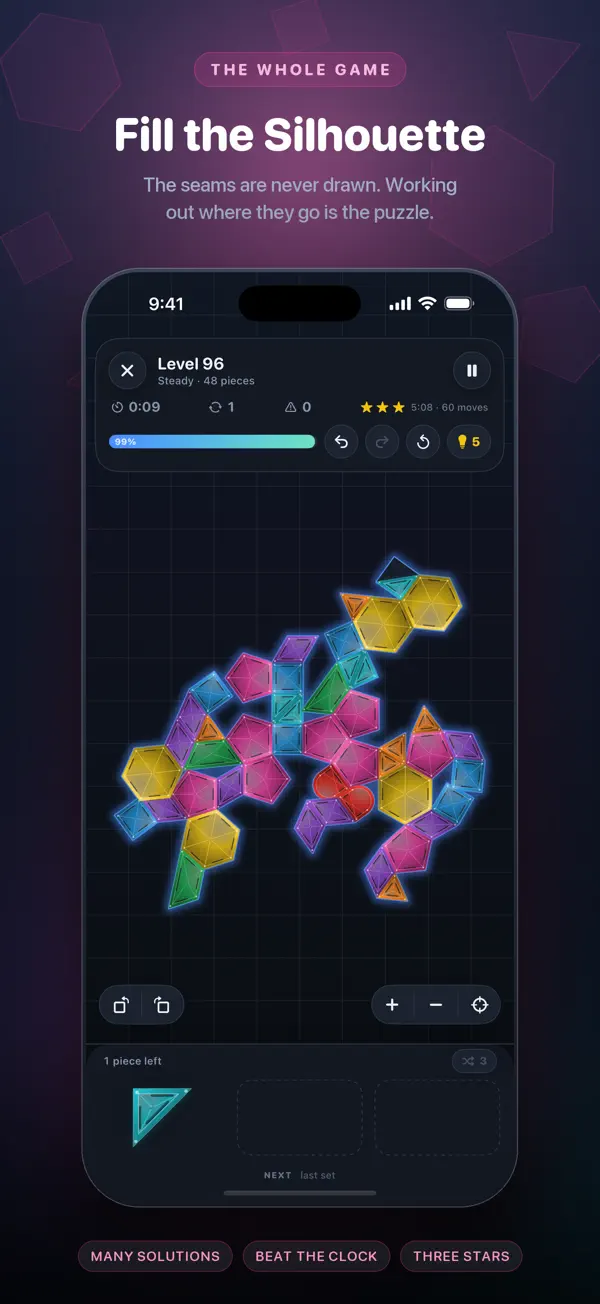
I build Magnetic Blocks: Fill & Relax, a free, calm tangram-style puzzle game for iPhone and iPad, and the screenshots here come from it. If you want to try a puzzle as you read, get Magnetic Blocks on the App Store.
What is Build Mode?
An open board with nine shapes and eight colours. There is no goal and no timer. Pieces still snap together magnetically, so your builds stay neat. When you finish, you can save the build and share it.
15 Build Mode ideas
Animals
- Cat: a square head with two small triangles for ears, and a large triangle body.
- Fox: orange triangles for the face and a long tail.
- Fish: two triangles for the body and one for the tail.
- Bird in flight: two parallelograms as wings.
- Swan: a classic tangram figure with a long curved neck made from triangles.
Objects and places
- House: a square with a triangle roof and a small door.
- Sailing boat: two triangles as sails over a long, flat hull.
- Rocket: a tall body, a pointed nose and fins.
- Tree: stacked triangles with a narrow trunk.
- City skyline: rectangles of different heights in shades of one colour.
Patterns and art
- Your initials: letters made from straight pieces and triangles.
- A mandala: build one quarter, then mirror it in all four directions.
- A colour gradient mosaic: fill a square, shading from one colour to another.
- Pixel-art face: use squares like pixels to make a simple character.
- A flag: recreate a national flag with the closest colours.
Tips for better builds
- Pick two or three colours rather than all eight. Limited palettes look more deliberate.
- Build symmetrically. Mirror one side to the other for instant balance.
- Use negative space. Gaps can form eyes, windows or outlines.
- Pinch to zoom for detail work, and zoom out to check the overall shape.
- Copy classic tangram figures as a starting point, then add your own twist.
Why does Build Mode make me better at puzzles?
When you build freely, you learn how pieces combine: two small triangles make a square, a triangle and a parallelogram make a trapezoid, and so on. Recognising those combinations is exactly what makes the harder puzzle tiers easier. See 8 strategies for shape-fitting puzzles.
Is Build Mode good for kids?
Yes. It is open-ended, there is no failure state, and it is a gentle introduction to shapes, symmetry and colour. Magnetic Blocks is rated 4+ on the App Store, works offline, and has no third-party ad networks or tracking.
More guides you may find useful:
- Tangram for Kids: How to Teach It by Age, and What Children Learn
- Tangram Shapes: 30 Figures to Make With the 7 Pieces (Animals, People, Objects)
- The 5-Minute Daily Puzzle Habit: A Better Break Than Scrolling
How Magnetic Blocks helps
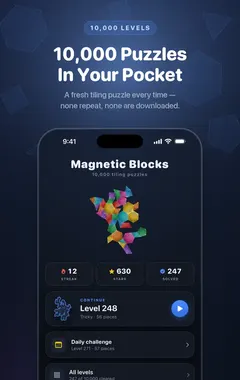
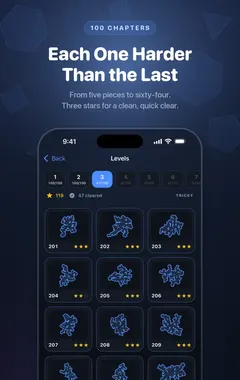
- 10,000+ puzzles generated on your device, across 100 chapters and ten difficulty tiers.
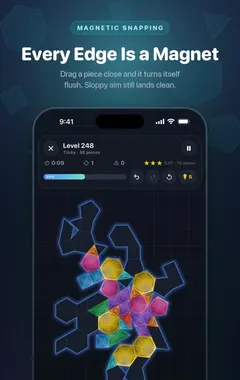
- Magnetic snapping: drop a shape near its place and it lines up.
- No clock pushing you, with optional three-star ratings for a clean, fast clear.
- Daily challenges with a streak, and Build Mode for free creative play.
- Hints, undo, auto-rotate and pinch-to-zoom so every puzzle stays approachable.
- Fully offline, rated 4+, with no third-party ads and no tracking.
Download Magnetic Blocks free on the App Store and fill your first silhouette in under a minute.
Frequently asked questions
What is Build Mode in Magnetic Blocks?
A free creative mode with nine shapes, eight colours and an open board. There is no goal and no timer.
Can I save my Build Mode creations?
Yes. You can save your builds and share them.
What can I make in Build Mode?
Animals, houses, boats, rockets, letters, mandalas, flags, pixel art and colour mosaics, among many other things.
Is Build Mode free?
Yes. Build Mode is part of the free game.
Do pieces snap together in Build Mode?
Yes. Pieces snap together magnetically, so builds stay neat.
How many shapes and colours are in Build Mode?
Nine shapes and eight colours.
Does Build Mode help with the puzzles?
Yes. Building freely teaches you how pieces combine, which makes harder puzzles easier to read.
Is Build Mode suitable for children?
Yes. It has no failure state or timer, and Magnetic Blocks is rated 4+.
Does Build Mode work offline?
Yes. The whole game, including Build Mode, works offline.
How do I make symmetrical designs?
Build one half or one quarter first, then mirror it piece by piece on the other side.
Magnetic BlocksDownload free