 Resume Builder guide
How to Make a Professional Resume on iPhone and Export a PDF
By Muhammad Shahid Khan · · 6 min read
Quick answer
Install a resume builder app, pick a simple template, then fill in your contact details, a short summary, your experience (newest first, with results), education and skills. Check the live preview, run an ATS check, and export or share it as a PDF. With Resume Builder this takes about 20 to 30 minutes and needs no account.
Resume BuilderAI Resume, Cover Letter PDF · Free on the App StoreDownload free →You do not need a laptop to write a good resume. Modern iPhone apps give you proper templates, live previews and clean PDF exports, and for many people a phone is the computer they actually have. This guide walks through the whole process, section by section, using Resume Builder – CV Maker AI, the app I built for exactly this.
What makes a resume "professional"?
Recruiters spend seconds, not minutes, on a first scan. A professional resume is one that makes those seconds count:
- One or two pages. One for most people with under 10 years of experience.
- A clean, consistent layout with clear headings and plenty of white space.
- Achievements, not duties. "Cut report time by 40%" beats "Responsible for reports".
- Readable by software. Many employers use applicant tracking systems (ATS) that read your resume before a person does.
- No mistakes. A single typo can cost you an interview.
Which sections should a resume have?
1. Contact details
Name, phone number, a professional email address, your city and country, and a LinkedIn or portfolio link if you have one. You do not need your full home address, date of birth or a photo in the UK, US, Canada or Australia. In some countries, such as Germany or across the Gulf, a photo is still common.
2. Professional summary
Two or three lines that say who you are, what you are good at and what you want next. For example: "Customer service lead with 5 years in retail banking. Trained 20+ new staff and raised satisfaction scores from 78% to 91%. Looking for a team lead role in fintech."
3. Work experience
Newest job first. For each role, give the job title, company, location and dates, then three to five bullet points. Start each bullet with an action verb, and add a number wherever you can.
4. Education
Degree or qualification, institution and year. Freshers can put education above experience and add relevant projects, coursework or a final-year project.
5. Skills
Hard skills that match the job: software, languages, tools and certifications. Use the exact wording from the job advert where it is true for you, because ATS software looks for those words.
Can I import my old CV instead of starting again?
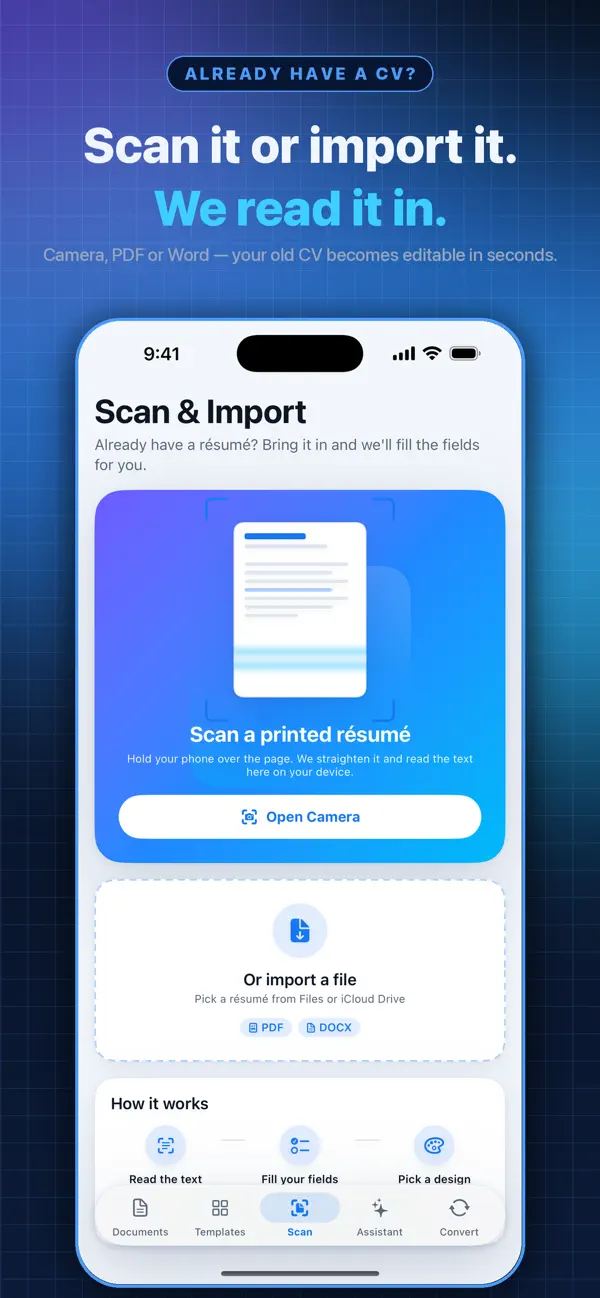
Yes. Resume Builder can import an existing PDF or Word document, or scan a printed CV with the iPhone camera, so you can update an old resume instead of retyping it.
How do I check my resume will get through ATS software?
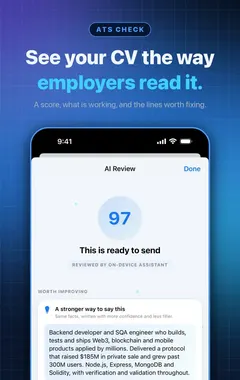
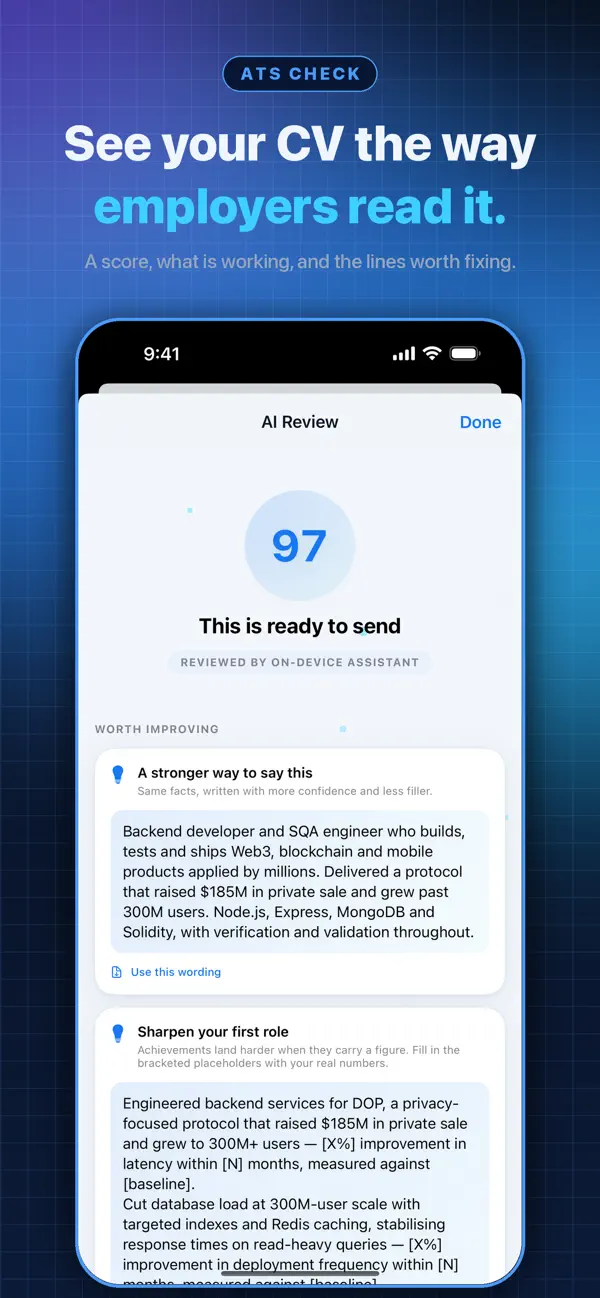
Before you send it, run the built-in ATS check. It shows how employer software may read your document and flags common problems such as missing sections or content that may not be read correctly. I explain how ATS systems work, and how to beat them honestly, in the ATS-friendly resume guide.
How do I export and send the PDF?
Always send a PDF unless the employer asks for something else. It keeps your layout exactly as you designed it on every device. From Resume Builder you can share the PDF straight to Mail, WhatsApp, Files or a job portal, print it, or copy a plain-text version for online forms that ask you to paste your resume.
Name the file clearly, for example Ayesha-Khan-Resume.pdf, not resume-final-v3.pdf.
What does Resume Builder include?
- Unlimited résumés, CVs, cover letters, biodata and resignation letters, free.
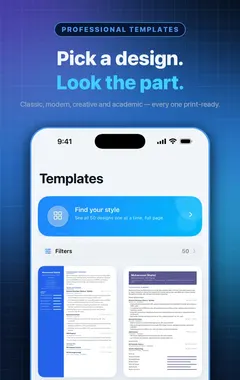
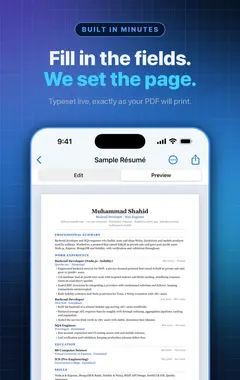
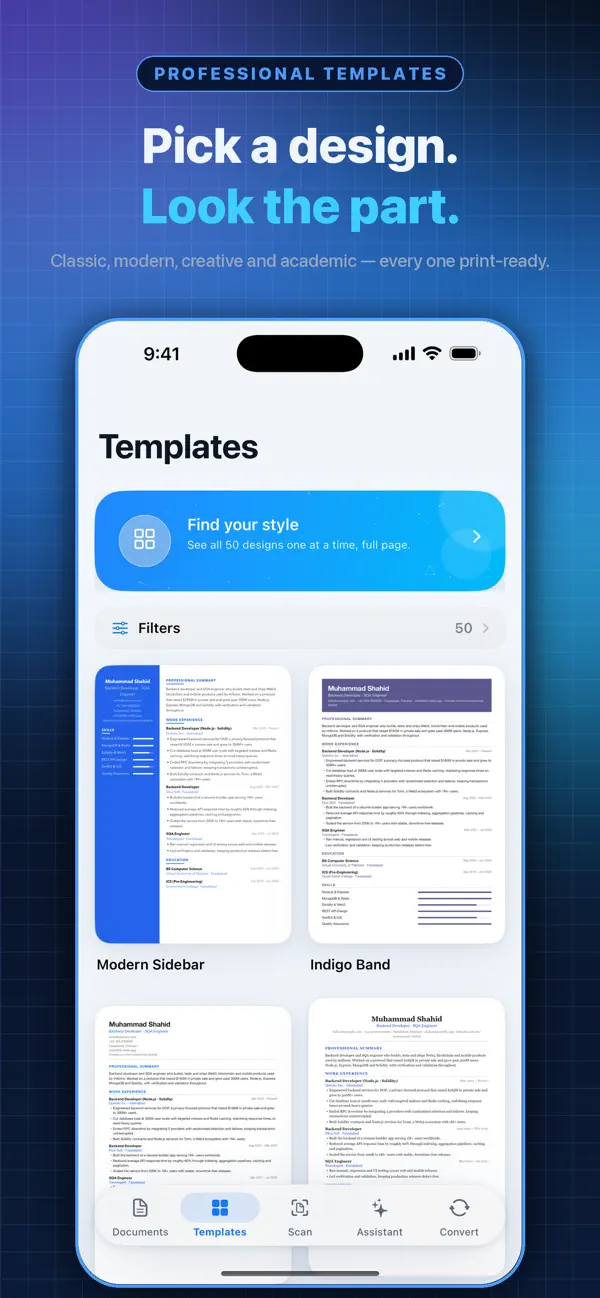
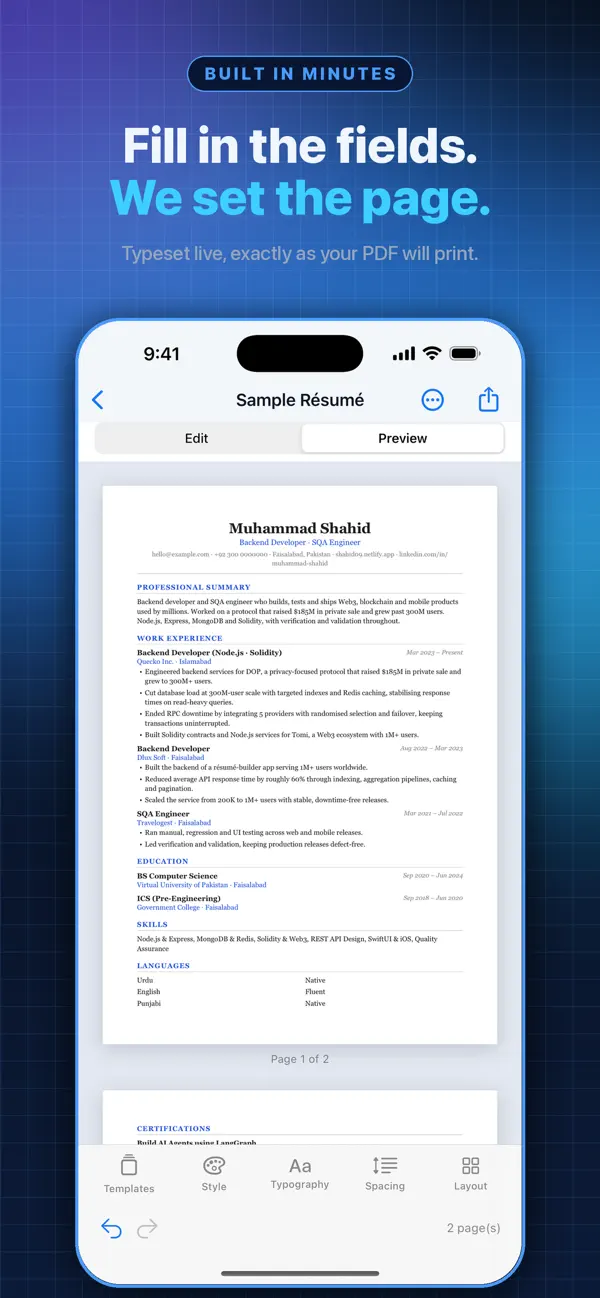
- Professional templates with a live preview that matches the exported PDF.
- Import from PDF or Word, or scan a printed CV.
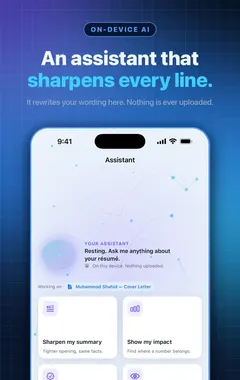
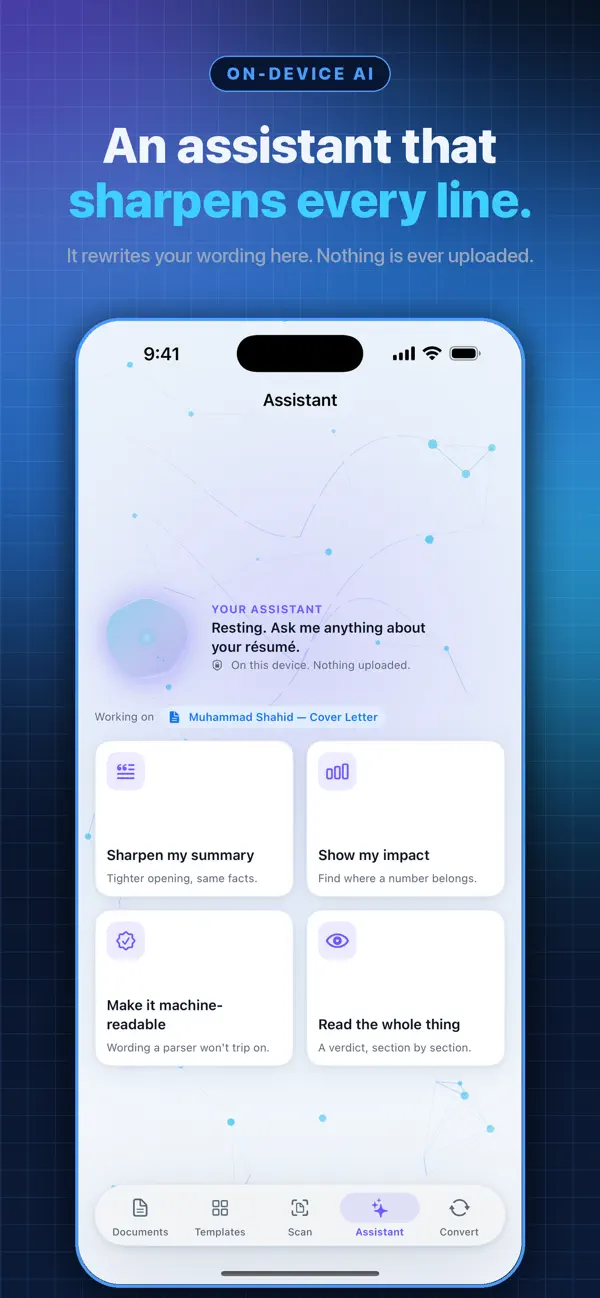
- ATS check, and writing help on-device or with your own AI key.
- Section headings in English, Urdu, Hindi, Arabic, Spanish, French and German, with right-to-left support.
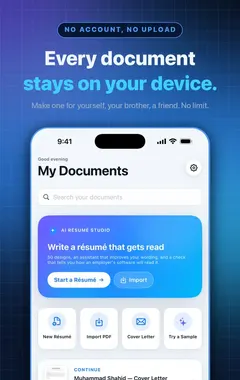
- No account. Your documents stay on your iPhone unless you share them.
Premium removes ads and watermarks and unlocks every template and colour, as a monthly, yearly or lifetime purchase.
More guides you may find useful:
- Resume Summary Examples: 15 Professional Summaries You Can Adapt
- Skills to Put on a Resume: Hard Skills, Soft Skills and How to Prove Them
- How Long Should a Resume Be? One Page vs Two Pages (and When a CV Is Longer)
How Resume Builder helps
- Unlimited résumés, CVs, cover letters, biodata and resignation letters, free.
- Professional templates with a live preview that matches the exported PDF.
- An ATS check that shows how employer software reads your resume.
- Writing help that works on-device, or with your own AI key.
- Import an old CV from PDF or Word, or scan a printed one with the camera.
- No account: your documents stay on your iPhone unless you share them.
Download Resume Builder free on the App Store and have a clean PDF ready to send in minutes.
Next, write a matching cover letter with how to write a cover letter on your phone, or read resume vs CV if you are not sure which one the employer wants.
How to make a resume on iPhone: step by step
- Install Resume Builder. Download Resume Builder – CV Maker AI from the App Store. No account is needed.
- Choose a template. Pick a clean, single-column template. The live preview matches the exported PDF.
- Add your details. Fill in contact details, summary, experience, education and skills. You can also import an existing PDF or Word file, or scan a printed CV.
- Improve the wording. Use the writing help to tighten bullet points and start each one with an action verb.
- Run the ATS check. See how employer software may read your resume and fix any issues it flags.
- Export the PDF. Share the PDF by email or upload it to a job portal, or print it.
Frequently asked questions
Can I make a professional resume on my iPhone?
Yes. A resume builder app gives you templates, a live preview and a clean PDF export, which is everything a professional resume needs.
How long should my resume be?
One page for most people with under 10 years of experience, and two pages for longer careers. Academic CVs can be longer.
Should I put a photo on my resume?
Not in the UK, US, Canada or Australia. In some countries, such as Germany or the Gulf states, a photo is still common. Follow the norm for the country you are applying in.
What format should I send my resume in?
PDF, unless the employer asks for Word. A PDF keeps your layout exactly as designed.
Can I import my old CV into Resume Builder?
Yes. You can import a PDF or Word file, or scan a printed CV with the iPhone camera.
Do I need an account to use Resume Builder?
No. There is no account or sign-up, and your documents are stored on your iPhone.
Is Resume Builder free?
Yes. You can create unlimited résumés, CVs, cover letters, biodata and resignation letters for free. Premium removes ads and watermarks and unlocks every template.
What is an ATS check?
A check that shows how applicant tracking systems, the software many employers use to screen applications, may read your resume.
Can I write my resume in Urdu, Hindi or Arabic?
Resume Builder offers section headings in English, Urdu, Hindi, Arabic, Spanish, French and German, with right-to-left layout support.
What should I name my resume file?
Use your name and the word resume or CV, for example Ayesha-Khan-Resume.pdf.
Should my experience be in chronological order?
Yes, reverse chronological: your most recent job first.
Can I print my resume from the app?
Yes. You can share the PDF, print it, or copy plain text for job portals.
Resume BuilderDownload free