 Picture to Text guide
OCR for Urdu, Arabic, Persian and 30+ Languages on Mac
By Muhammad Shahid Khan · · 4 min read
Quick answer
Picture to Text recognises 30+ languages on your Mac, including English, Arabic, Chinese, Japanese, Korean, French, German, Spanish, Russian and Turkish, with Urdu, Persian, Pashto, Sindhi and Punjabi in beta. Leave the language on Automatic, or choose it manually for the best accuracy on right-to-left and mixed-language text.
Picture to TextCopy Text from Images & PDFs · Free on the Mac App StoreDownload free →| Languages | 30+ |
|---|---|
| Beta languages | Urdu, Persian, Pashto, Sindhi, Punjabi |
| Language selection | Automatic detection, or choose manually |
| Processing | On your Mac, with Apple’s Vision text recognition |
Most OCR tools are built around English. If you work with Urdu newspapers, Arabic documents, Persian books or Chinese screenshots, you have probably found that many apps either do not support your language or give poor results. Here is what Picture to Text supports and how to get the best accuracy.
I build Picture to Text - ExtractText, a free Mac OCR app that reads images, PDFs and any area of the screen on your Mac, and the screenshots here come from it. If you want to try it as you read, get Picture to Text on the Mac App Store.
Which languages does Picture to Text support?
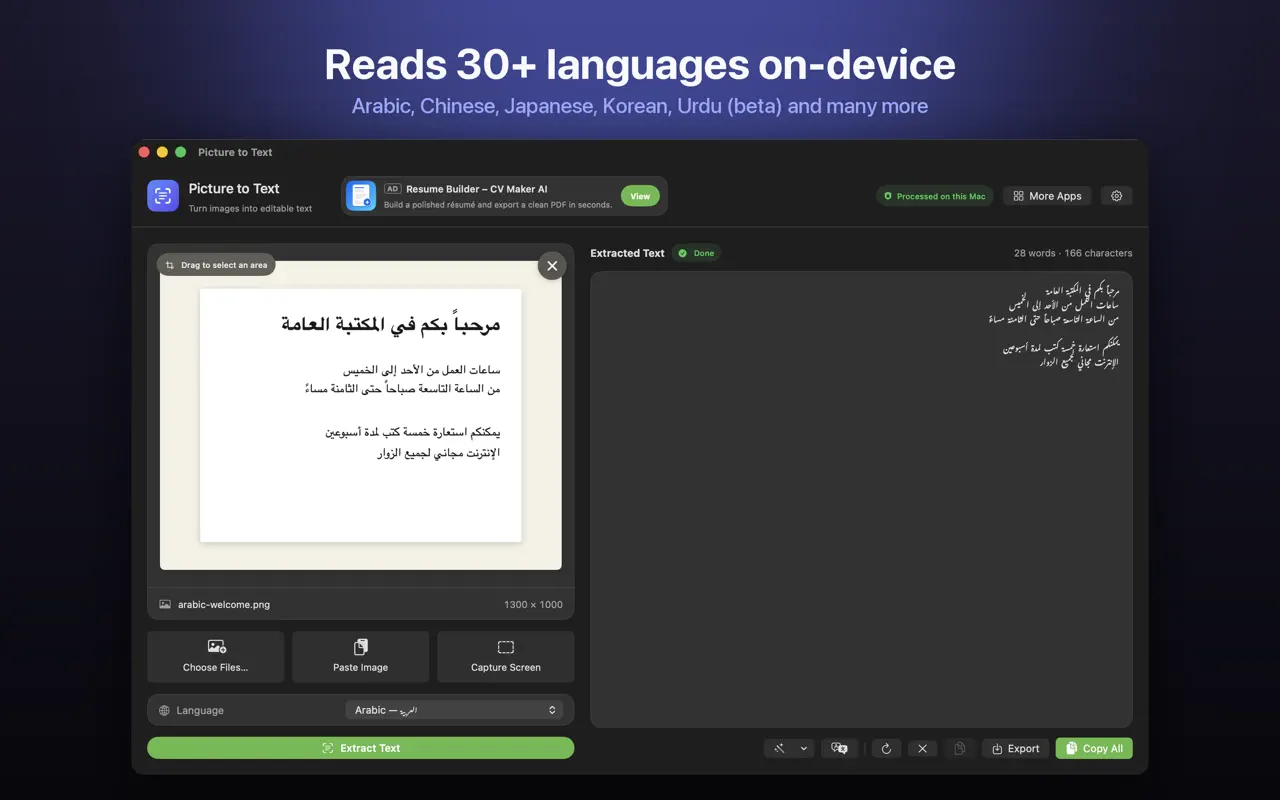
Picture to Text recognises 30+ languages, including:
- European: English, French, German, Spanish, Portuguese, Italian, Dutch, Polish, Swedish, Russian and Ukrainian.
- Middle East and Central Asia: Arabic and Turkish.
- East and Southeast Asia: Chinese, Japanese, Korean, Thai, Vietnamese, Indonesian and Malay.
- In beta: Urdu, Persian, Pashto, Sindhi and Punjabi.
Or leave it on Automatic and it detects the language for you.
What does "beta" mean for Urdu and Persian?
Urdu, Persian, Pashto, Sindhi and Punjabi (Shahmukhi) are written in Perso-Arabic scripts. Urdu in particular is often printed in Nastaliq, a flowing script where letters slope and overlap. That makes it one of the hardest scripts for OCR. Beta means support works and is improving, but you should expect to correct more words than with English or Arabic, especially with Nastaliq fonts, small print or poor-quality scans.
How do I get the best results for right-to-left languages?
- Choose the language manually instead of Automatic when the text is all one language.
- Use the clearest source you have. A digital screenshot works better than a photo of a printout.
- Make text larger before capturing. Arabic-script letters depend on small dots, which are easily lost in small or blurred text.
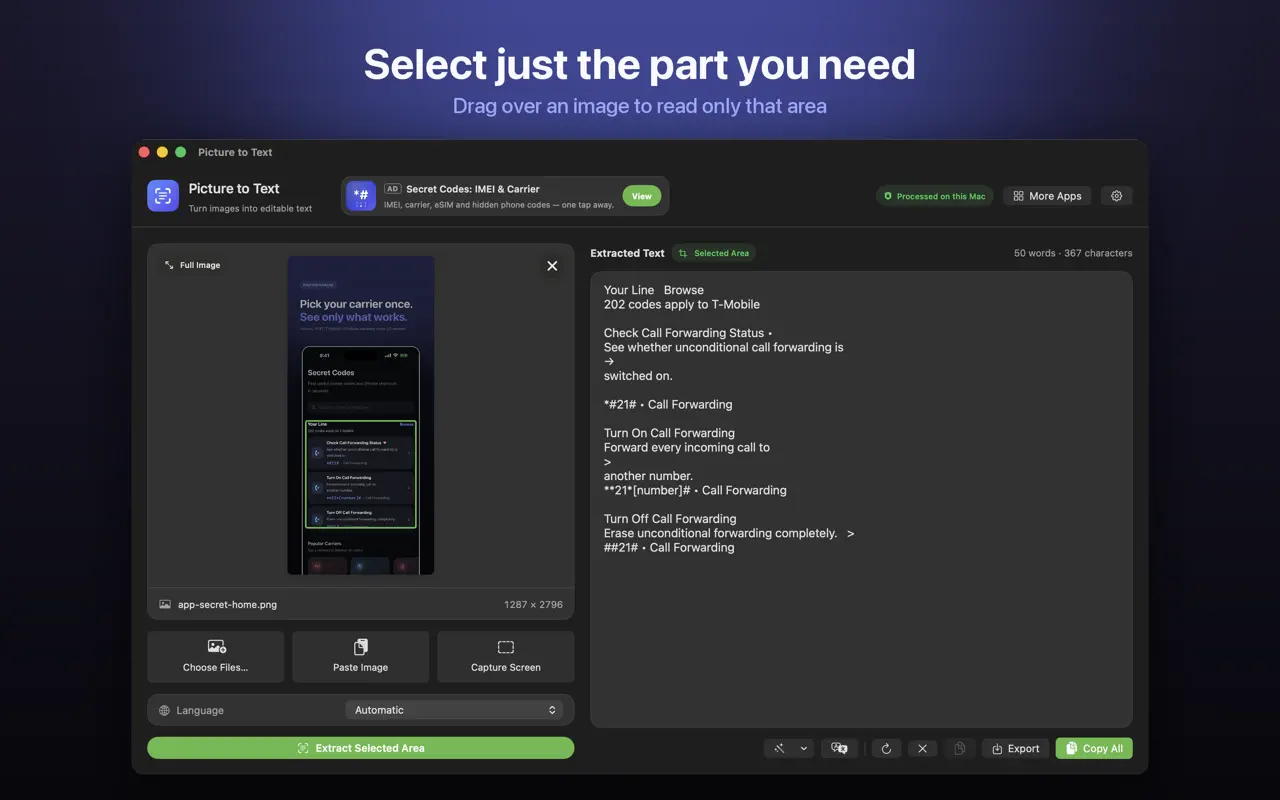
- Capture one column at a time in newspapers and books, by dragging over just that area.
- Check dots and diacritics. Letters such as ب، ت، ث differ only by dots.
Can I translate the text?
Yes. On macOS 26 or later, Picture to Text can translate the result on your Mac. For example, you can extract Arabic text from a PDF and translate it to English without uploading the document anywhere.
What about Chinese, Japanese and Korean?
East Asian scripts are supported, and work best with clear, reasonably large text. Vertical Japanese text and mixed scripts on one page can need a manual language choice and area selection.
Is it private?
Yes. Recognition runs on your Mac with Apple's Vision framework. There are no uploads, no accounts and no tracking, and it works offline.
More guides you may find useful:
- How to Translate Text in an Image or Screenshot on Mac
- How to Convert an Image or Scanned PDF to a Word Document on Mac
- How to Copy Text From a Video or Video Call on Mac (YouTube, Zoom, Teams)
How Picture to Text helps
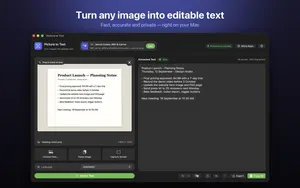
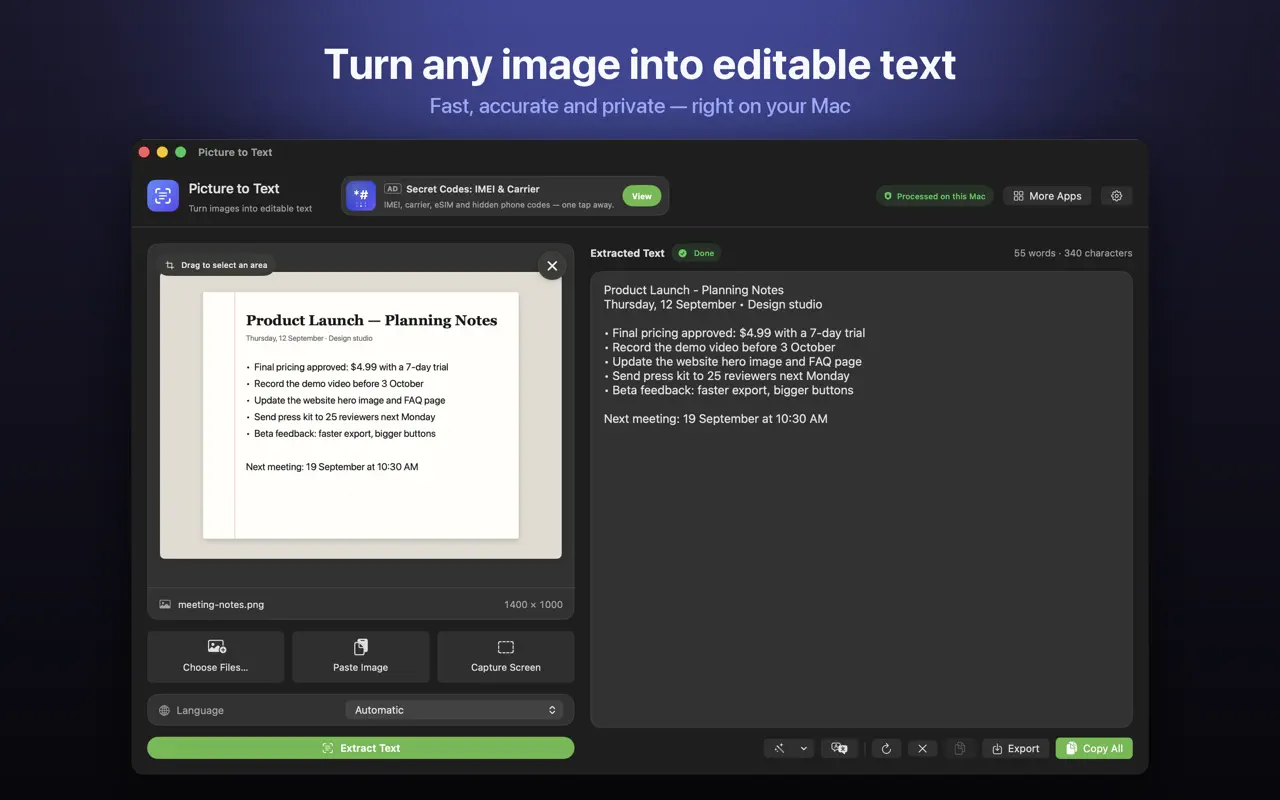
- Drop in images or PDFs, paste from the clipboard, or choose several files at once.
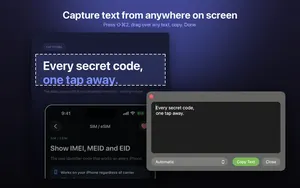
- Capture any area of the screen with Shift-Command-2 or from the menu bar.
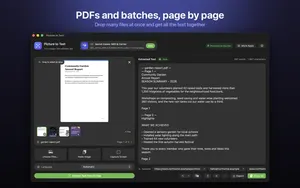
- Read multi-page scanned PDFs, with each page labelled in the result.
- 30+ languages, including Urdu, Persian, Pashto, Sindhi and Punjabi in beta.
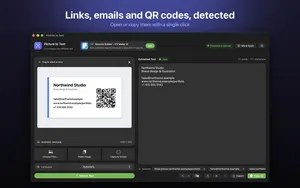
- Clean Up, Detect and Translate: join broken lines, open links, emails, phone numbers, QR codes and barcodes, and translate on macOS 26 or later.
- Private: Apple's on-device Vision framework, no uploads, no account, no tracking, and it works offline.
Download Picture to Text free on the Mac App Store and copy text from anything on your screen.
Frequently asked questions
Can I do Urdu OCR on a Mac?
Yes. Picture to Text supports Urdu in beta, alongside Persian, Pashto, Sindhi and Punjabi.
Does Picture to Text support Arabic?
Yes. Arabic is one of its 30+ supported languages.
How many languages does Picture to Text support?
30+ languages, plus Urdu, Persian, Pashto, Sindhi and Punjabi in beta.
Why is Urdu OCR less accurate than English?
Urdu is often printed in Nastaliq, a sloping script where letters overlap, which is much harder for OCR. Clear, large text gives the best results.
Should I use Automatic language detection?
Automatic works well for most text. For single-language documents, especially right-to-left scripts, choosing the language manually can improve accuracy.
Can I translate extracted text?
Yes, on macOS 26 or later, Picture to Text can translate the result on your Mac.
Does it support Chinese and Japanese?
Yes. Chinese, Japanese and Korean are supported.
Can I OCR Persian (Farsi) text?
Yes. Persian is supported in beta.
Is multilingual OCR done online?
No. All recognition runs on your Mac. Nothing is uploaded.
How do I handle newspapers with columns?
Drag over one column at a time to extract only that area, so text stays in the right order.
Picture to TextDownload free