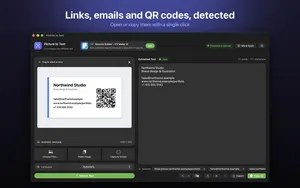
 Picture to Text guide
How to Copy Text From a Video or Video Call on Mac (YouTube, Zoom, Teams)
By Muhammad Shahid Khan · · 4 min read
Quick answer
Pause the video, then either use Live Text (in Safari or QuickTime on macOS Ventura and later, you can select text in a paused frame) or press Shift-Command-2 with Picture to Text and drag over the text. Screen capture OCR works on anything visible, including YouTube in any browser, and slides shared on Zoom, Teams or Meet, where Live Text cannot reach.
Picture to TextCopy Text from Images & PDFs · Free on the Mac App StoreDownload free →| Paused video in Safari or QuickTime | Live Text (macOS Ventura and later) |
|---|---|
| Any app or browser | Screen capture OCR: Shift-Command-2 |
| Shared slides on calls | Screen capture OCR |
| Best results | Pause, go full screen, wait for a sharp frame |
| Privacy | On-device; only the area you select is captured |
A URL in a tutorial, a command in a coding video, a slide someone shares on a call, a subtitle you want to quote: text in video is everywhere and none of it is selectable. Your Mac can read it, though. Here are the two methods and when each one works.
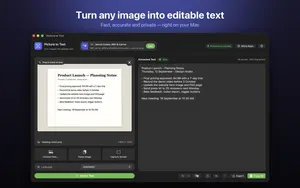
I build Picture to Text - ExtractText, a free Mac OCR app that reads images, PDFs and any area of the screen on your Mac, and the screenshots here come from it. If you want to try it as you read, get Picture to Text on the Mac App Store.
Method 1: Live Text on a paused video
On macOS Ventura or later, Live Text works on paused video in Safari and QuickTime Player:
- Pause the video on the frame with the text.
- Move the pointer over the text until it changes to a text cursor.
- Drag to select, then press Command-C.
It does not work in every browser or app, nor on video calls, and it needs Live Text turned on. If nothing selects, see Live Text not working on Mac.
Method 2: screen capture OCR (works everywhere)
Screen capture reads whatever is on the screen, so the app does not matter:
- Pause the video, or wait until the slide is on screen.
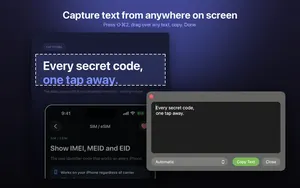
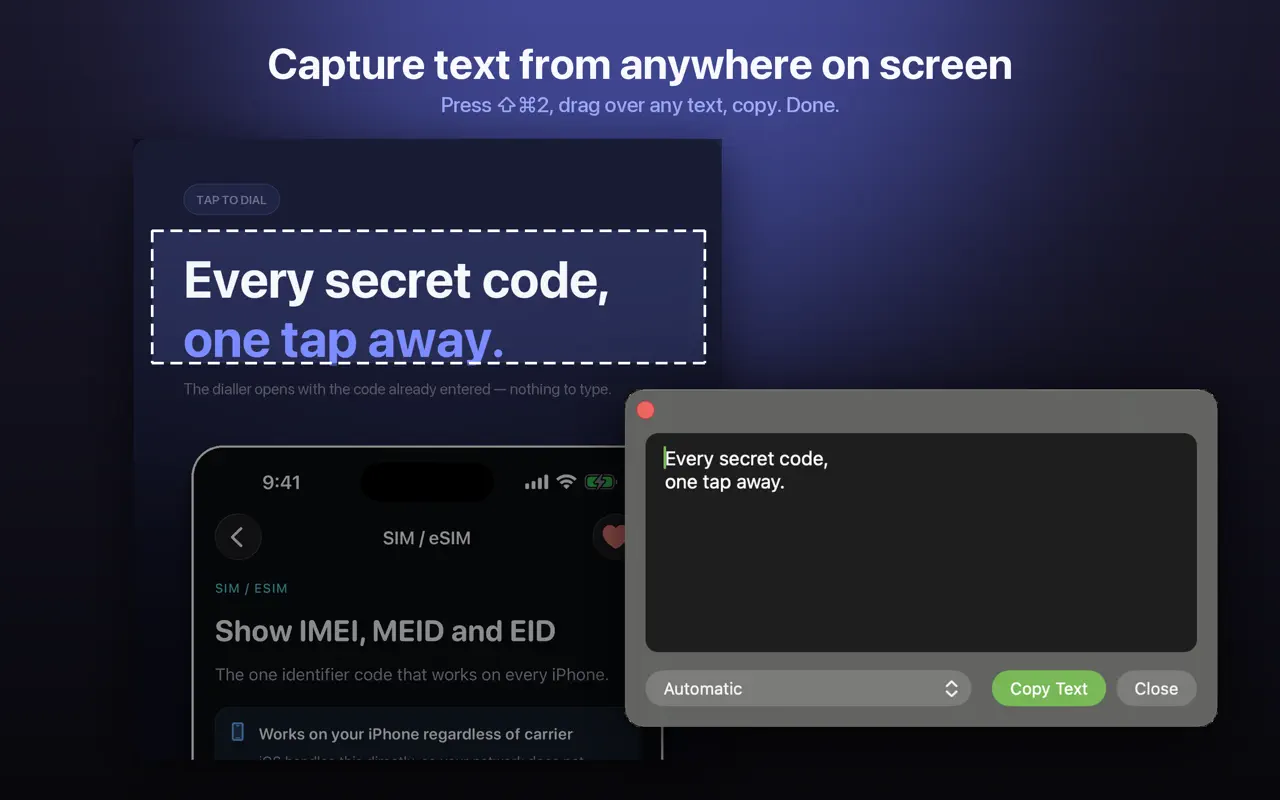
- Press Shift-Command-2, or choose capture from the Picture to Text menu bar icon.
- Drag a box around the text.
- The text appears in a result window, ready to copy, clean up or open as a link.
What can I copy text from?
- YouTube and online courses in Chrome, Safari, Firefox or Edge.
- Zoom, Microsoft Teams and Google Meet: shared slides, chat shown on screen, a link someone holds up.
- Coding tutorials: commands and code shown in the video.
- Subtitles and captions, for quotes or vocabulary.
- Streaming apps where you cannot select anything.
How do I get clean text from video?
- Pause on a sharp frame. Video compression blurs text while it moves. Step a frame forward or back if needed.
- Go full screen, or zoom the video, so the text is large.
- Raise the video quality on YouTube (1080p or higher) before pausing.
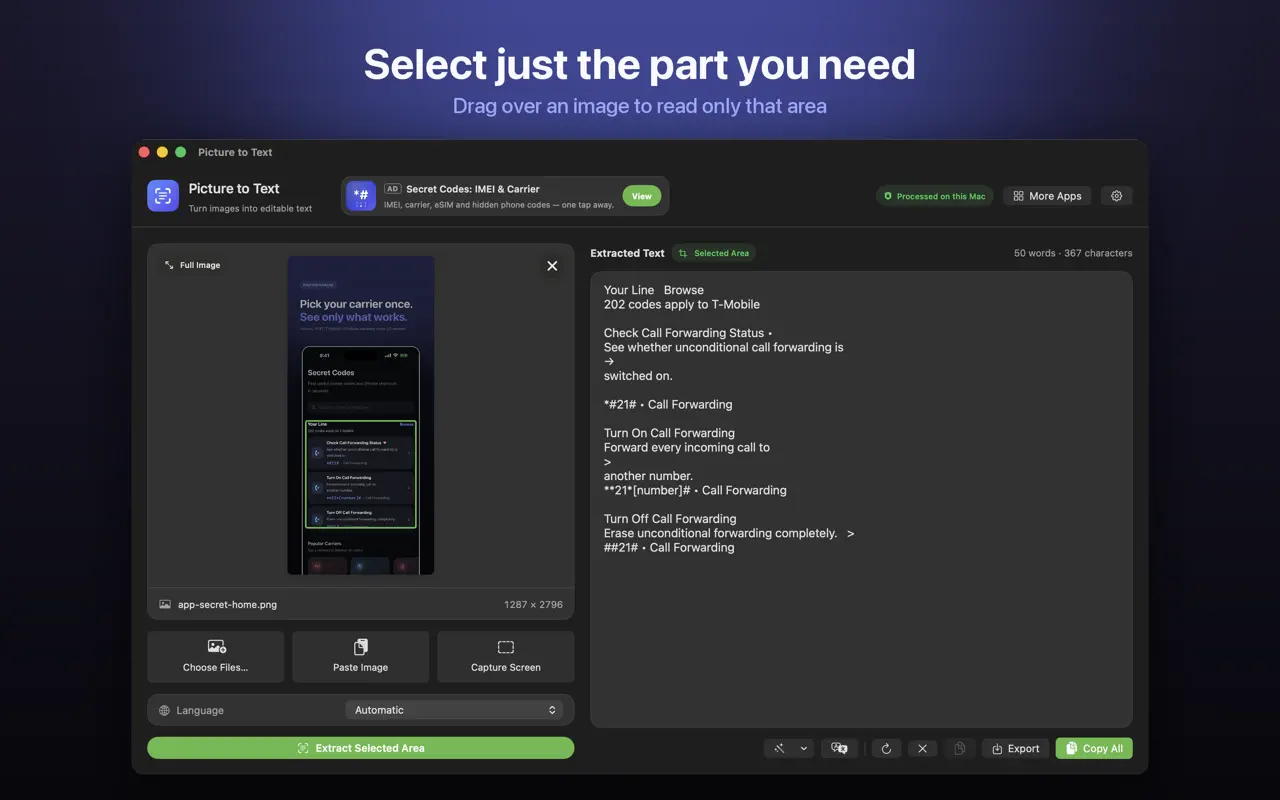
- Select only the text, not the whole frame, so faces and backgrounds are not read.
- Check code carefully. Characters like l, 1 and I, or O and 0, are easy to confuse.
Is it allowed and private?
Copying a link or a command for your own use is normal. Recording or redistributing other people's slides or paid course content may not be, so check the rules of your organisation or course. Picture to Text uses Apple's on-device text recognition: only the area you select is captured, and nothing is uploaded. More in screenshot to text on Mac.
How Picture to Text helps
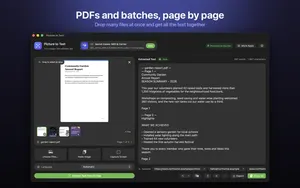
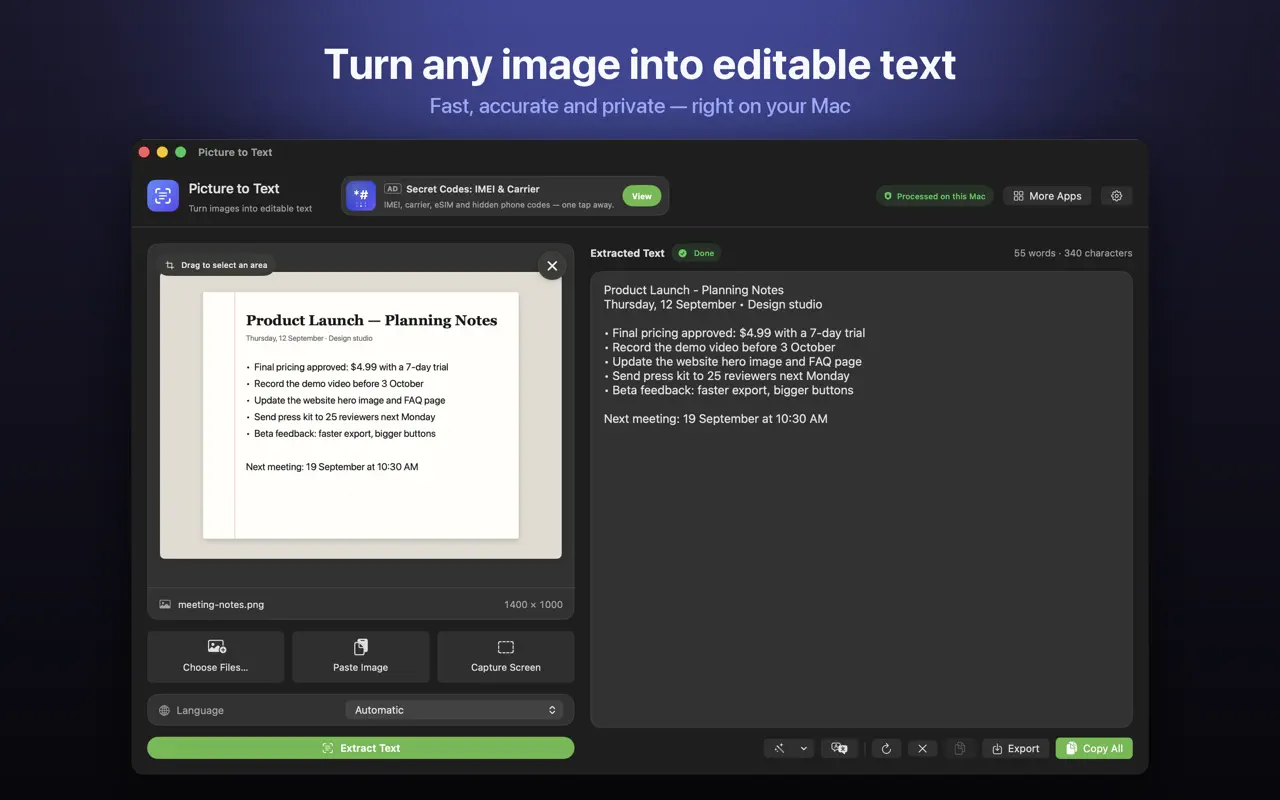
- Drop in images or PDFs, paste from the clipboard, or choose several files at once.
- Capture any area of the screen with Shift-Command-2 or from the menu bar.
- Read multi-page scanned PDFs, with each page labelled in the result.
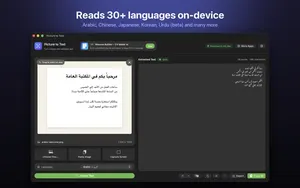
- 30+ languages, including Urdu, Persian, Pashto, Sindhi and Punjabi in beta.
- Clean Up, Detect and Translate: join broken lines, open links, emails, phone numbers, QR codes and barcodes, and translate on macOS 26 or later.
- Private: Apple's on-device Vision framework, no uploads, no account, no tracking, and it works offline.
Download Picture to Text free on the Mac App Store and copy text from anything on your screen.
Frequently asked questions
How do I copy text from a video on Mac?
Pause the video and use Live Text in Safari or QuickTime on macOS Ventura or later, or press Shift-Command-2 with Picture to Text and drag over the text.
Can I copy text from a YouTube video?
Yes. Pause on a sharp frame and use screen capture OCR, which works in any browser.
How do I copy text from a Zoom or Teams screen share?
Use screen capture OCR: press Shift-Command-2 with Picture to Text and drag around the shared slide.
Does Live Text work on videos on Mac?
On macOS Ventura and later, Live Text works on paused video in Safari and QuickTime Player.
Why is text from video wrong?
Video frames are compressed and often blurred. Pause on a sharp frame, go full screen and raise the video quality.
Can I copy code from a programming tutorial?
Yes. Capture just the code, then check similar characters like l, 1 and I, or O and 0.
Does screen capture OCR record my screen?
No. Picture to Text captures only the area you select, once, and reads it on your Mac.
Does it work offline?
Yes. Recognition runs on your Mac.
Can I copy subtitles from a video?
Yes. Pause when the subtitle is shown and capture just that line.
Is it legal to copy text from videos?
Copying for personal use is generally fine. Redistributing paid or private content may not be.
What keyboard shortcut does Picture to Text use?
Shift-Command-2 starts a screen capture. You can also start it from the menu bar.
Picture to TextDownload free